A guest post by Milo at notion4teachers.com
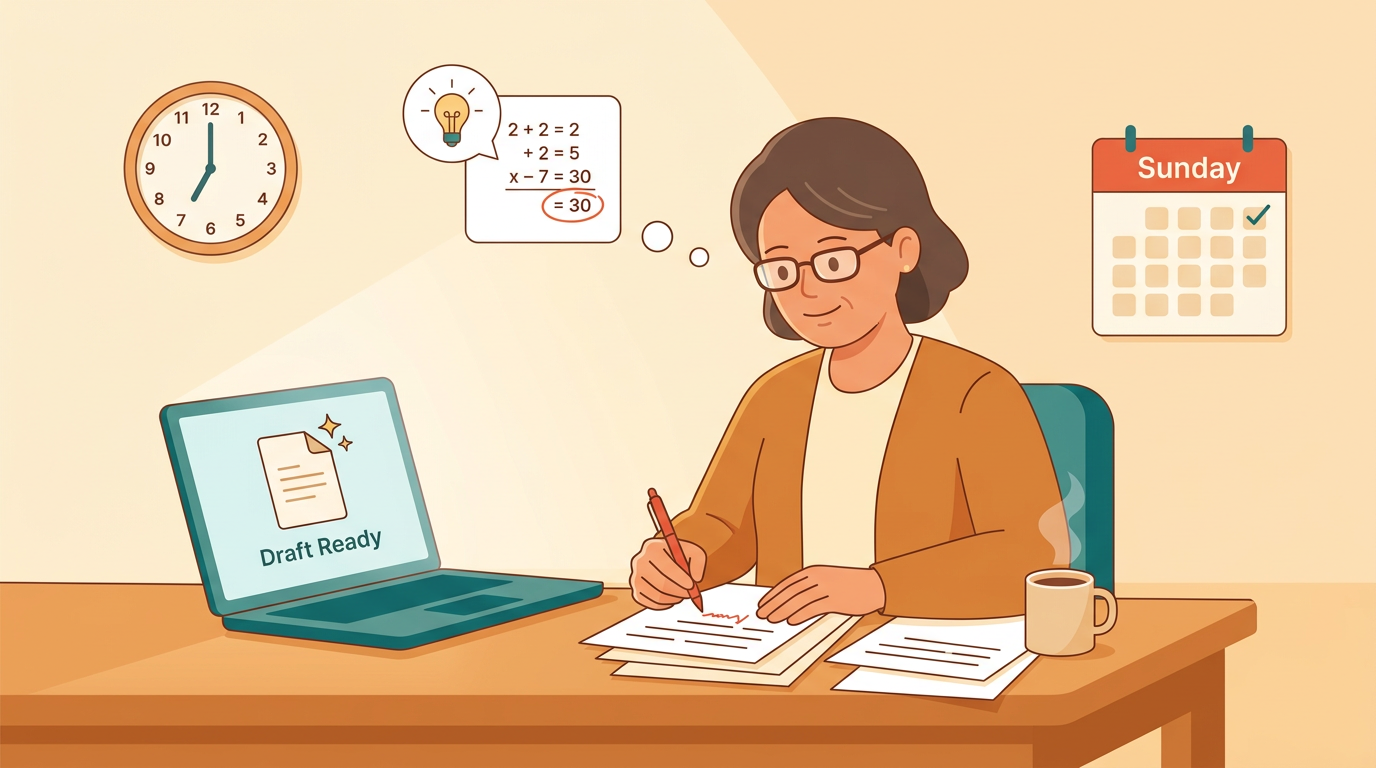
Think about a Sunday spent meal-prepping for the week. You still decide what your family eats and how it’s plated, but you’re not chopping every onion from scratch at 6 p.m. on a Tuesday.
That’s roughly what artificial intelligence, computer systems that can generate text and ideas from a prompt, is doing to lesson planning. It doesn’t replace your judgment about what your students need.
It clears out the mechanical prep so you have more time left for the parts of teaching only you can do.

What Lesson Planning Looks Like with AI
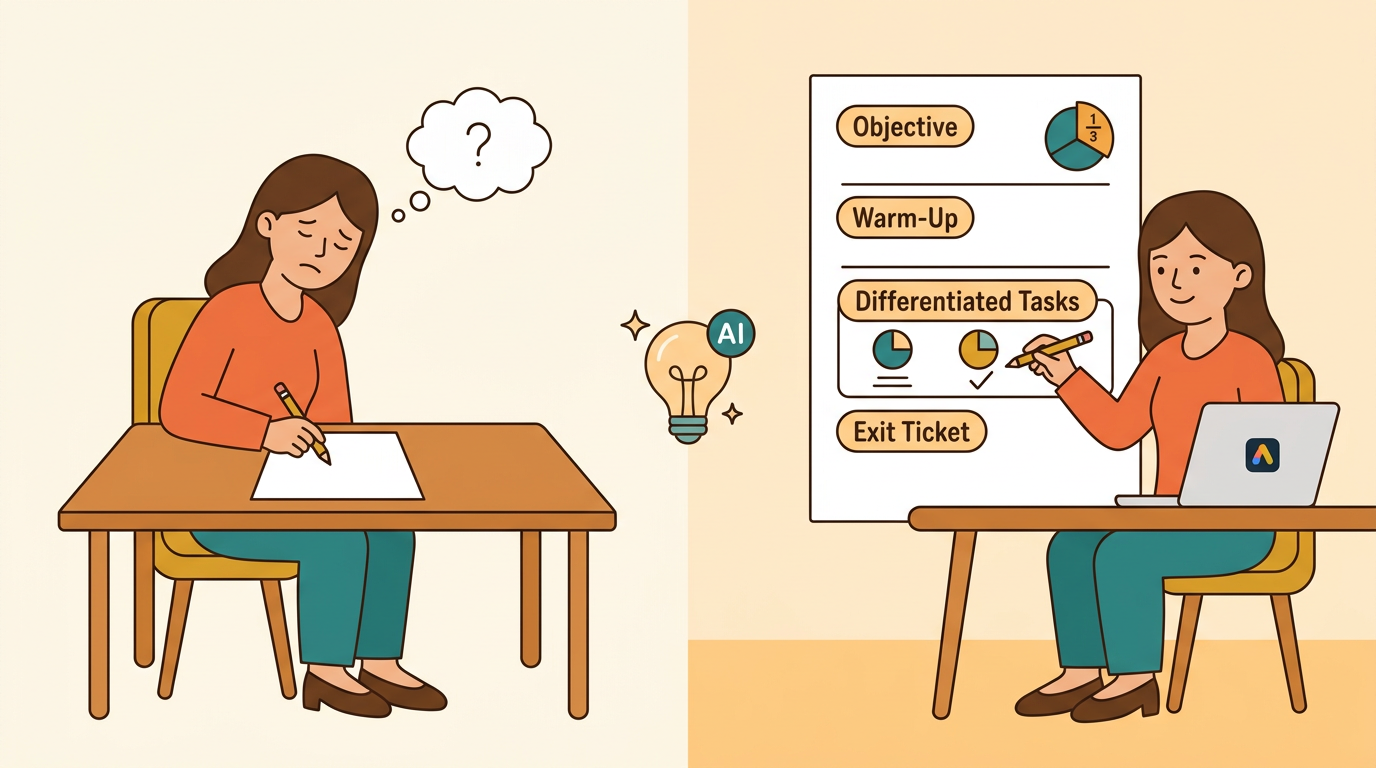
For years, planning meant typing every objective, warm-up, and activity from a blank document. That’s quietly changing. Now the work looks more like editing and steering a draft someone else started, which shifts where your time and attention actually go.
From blank page to first draft
A short prompt with the grade level, standard, and topic can return a usable skeleton in seconds: an objective, a warm-up, a couple of differentiated tasks, and an exit ticket.
Teachers consistently say the hardest part of planning is starting, staring at that empty page before the first idea lands. AI removes that friction.
A fifth-grade teacher prepping a fractions unit can open a tool like EMStudio, describe the standard, and get scaffolding to react to instead of building from nothing. But that draft is raw material, not a finished plan.
It still needs a read-through, a few edits, and your own judgment before it ever reaches students.
Where teacher judgment still leads
Pacing, tone, and knowing which student needs which support: none of that comes from a prompt. AI can’t read the room, and it has no idea that third period ran chaotic yesterday and needs a gentler start today.
The best results come from treating the tool like a fast junior planner you supervise. It doesn’t decide what your class needs. It hands you a starting point, and you refine it with what you actually know about your students.
That’s the real shift: less typing, more deciding.
Why Planning Eats so Much of a Teacher’s Week
Ask any teacher where the hours go, and the answer is rarely the fun part. It’s the grind of turning one good idea into every format a classroom actually needs.
The hidden hours behind one lesson
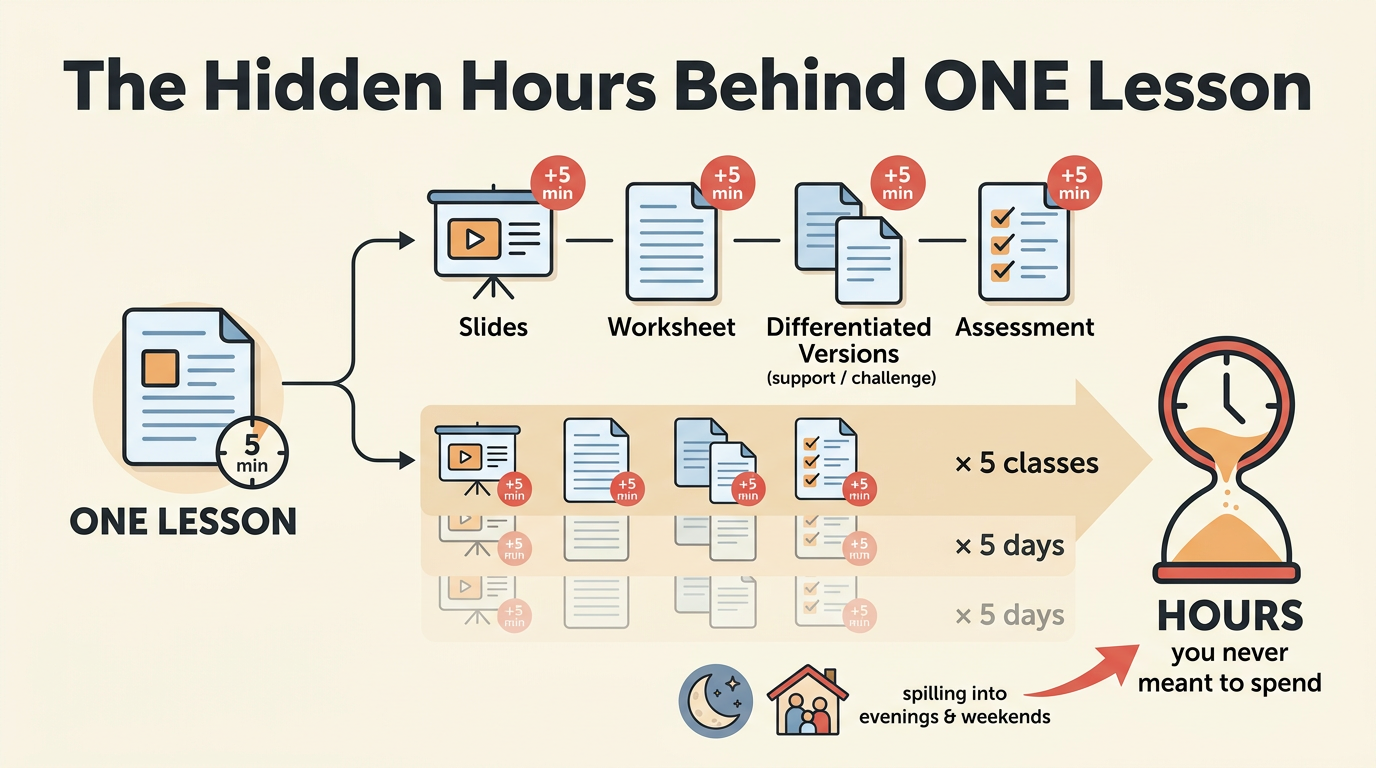
A single lesson rarely ends with just a lesson. There’s usually:
- slides
- a worksheet
- a couple of differentiated versions for students who need more support or more challenge
- an assessment to see whether any of it landed
Each piece traditionally means a separate document, built (or rebuilt) from scratch. Shave five minutes off one task and it barely registers.
Multiply that across five classes and five days, and it adds up to hours you never meant to spend, often spilling into evenings and weekends already competing with grading and family time.
What teachers would rather do instead
Most of that time goes to formatting, retyping, and adapting materials you’ve already made, not to actual design work. That’s the part worth reclaiming, and it’s where we’d rather see that time go: toward feedback, relationships, or rethinking the one concept that keeps tripping students up. The goal isn’t to plan less. It’s to spend the hours you have on the planning that actually moves learning forward. Burnout is often driven by exactly this kind of low-value busywork, which makes trimming it one of the clearest, most defensible reasons to bring AI into the process.
The Tasks AI Actually Handles Well
AI isn’t great at knowing your students or your curriculum, but it’s excellent at generating variations of something you already understand. Hand it a task you’ve already built and it can multiply it, reword it, or scale it up in seconds.
That’s the sweet spot: differentiation, rewording for reading levels, and quick practice sets. What it can’t do is check its own accuracy or read the context sitting in your head.
Differentiation and multiple versions
Consider a middle school teacher who needs the same reading task at three levels for one class period.
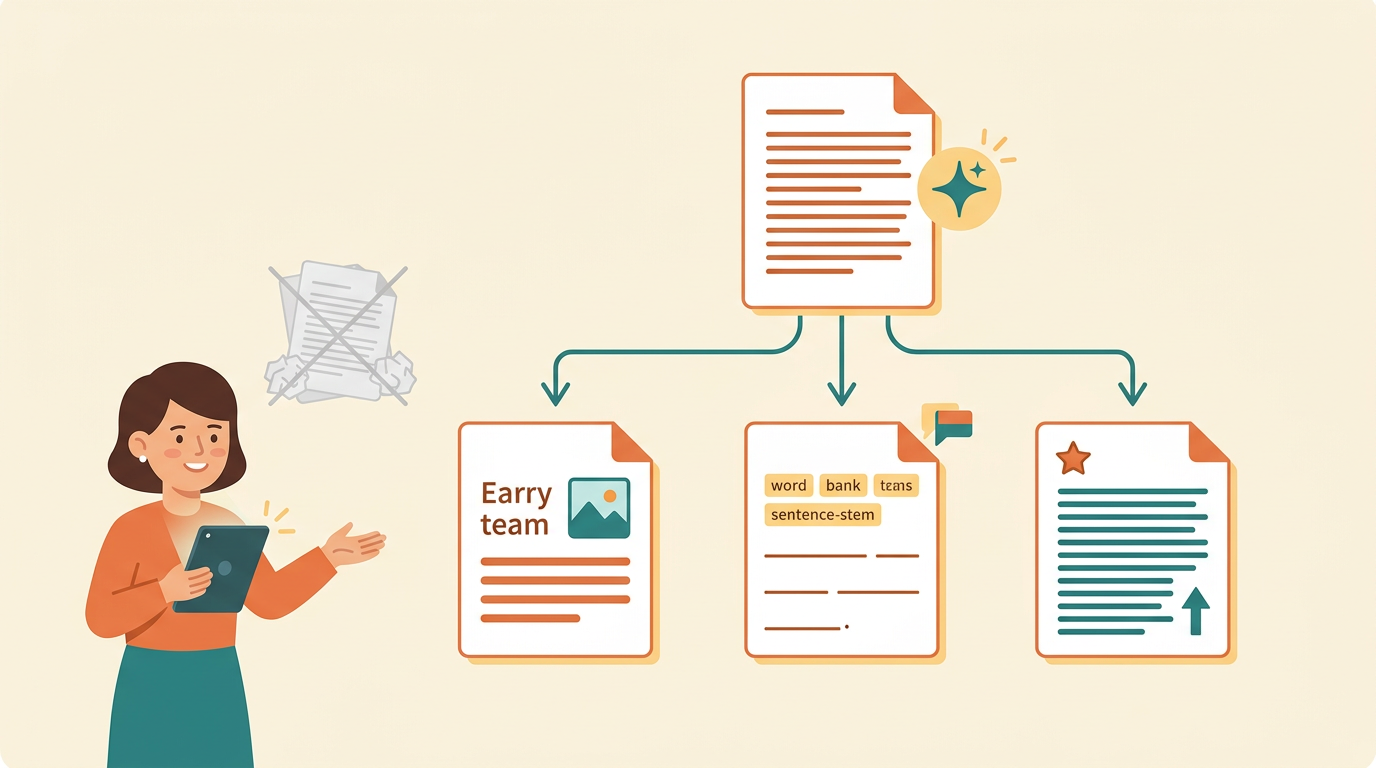
Instead of rewriting it three times, they ask AI for a simplified version, a scaffolded version for EAL (English as an additional language) students, and an extension for early finishers, all from one draft.
Sentence stems, word banks, and simplified instructions come the same way: describe what you need, and a workable draft shows up in seconds instead of an evening.
Tools like the EMStudio app lean into exactly this, turning one lesson into several tailored versions without asking teachers to build each by hand.
Drafting the supporting materials
Warm-ups, exit tickets, discussion prompts, and rubrics all come quickly once you feed AI a solid starting draft. Paste in a text and it’ll spin off comprehension questions or a vocabulary list almost instantly.
That speed comes with a catch: everything still needs a human accuracy pass before it reaches a single student. AI doesn’t know if a rubric matches your grading policy or if a comprehension question actually tests the standard you’re teaching.
It hands you a draft, not a finished product.
Building AI into Your Real Workflow
The tools that stick are the ones that fit inside how you already plan, not a separate detour you have to justify every Sunday night. Here’s a way to build that into your week without adding a new habit to manage.
Keeping it in one place
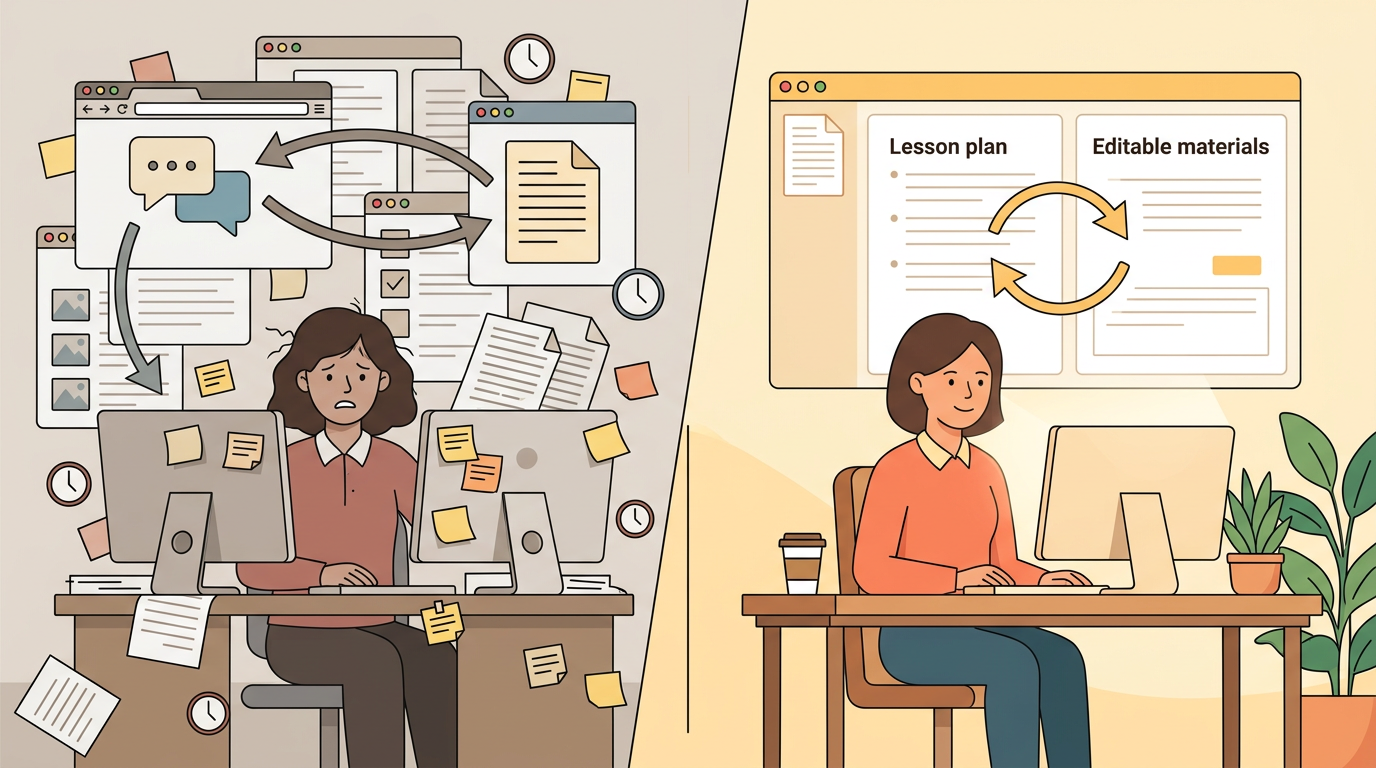
Copy-pasting between a general chatbot and your lesson documents adds friction, and that friction is exactly what kills the time savings you were hoping for.
You draft something, paste it into a doc, notice it needs a tweak, and bounce back to the chat window to try again. Every trip costs you a few minutes and some focus.
Purpose-built tools skip that back-and-forth. They let you generate a plan and adjust it in the same workspace where your materials already live, so nothing gets lost in the shuffle between tabs.
EMStudio is one example: teachers use it to keep planning and materials together instead of juggling a chatbot and five separate documents.
A simple starting routine
Start small. Pick one recurring lesson type, maybe your weekly vocabulary review or your Friday lab recap, and build your routine around that single case before expanding.
- Save the prompts that work. When a prompt produces a plan you actually like, keep it. You shouldn’t have to reinvent your wording every week.
- Review before you finalize. Read through what the AI gives you, edit the parts that don’t sound like your classroom, and personalize the rest.
In practice, that might look like drafting inside an AI lesson editor and refining right there, instead of shuttling text between apps.
Guarding Against the Risks
AI can draft a lesson in seconds, but fast isn’t the same as right. Before you lean on a tool for planning, it helps to know exactly where it can let you down.
Accuracy and hallucinations
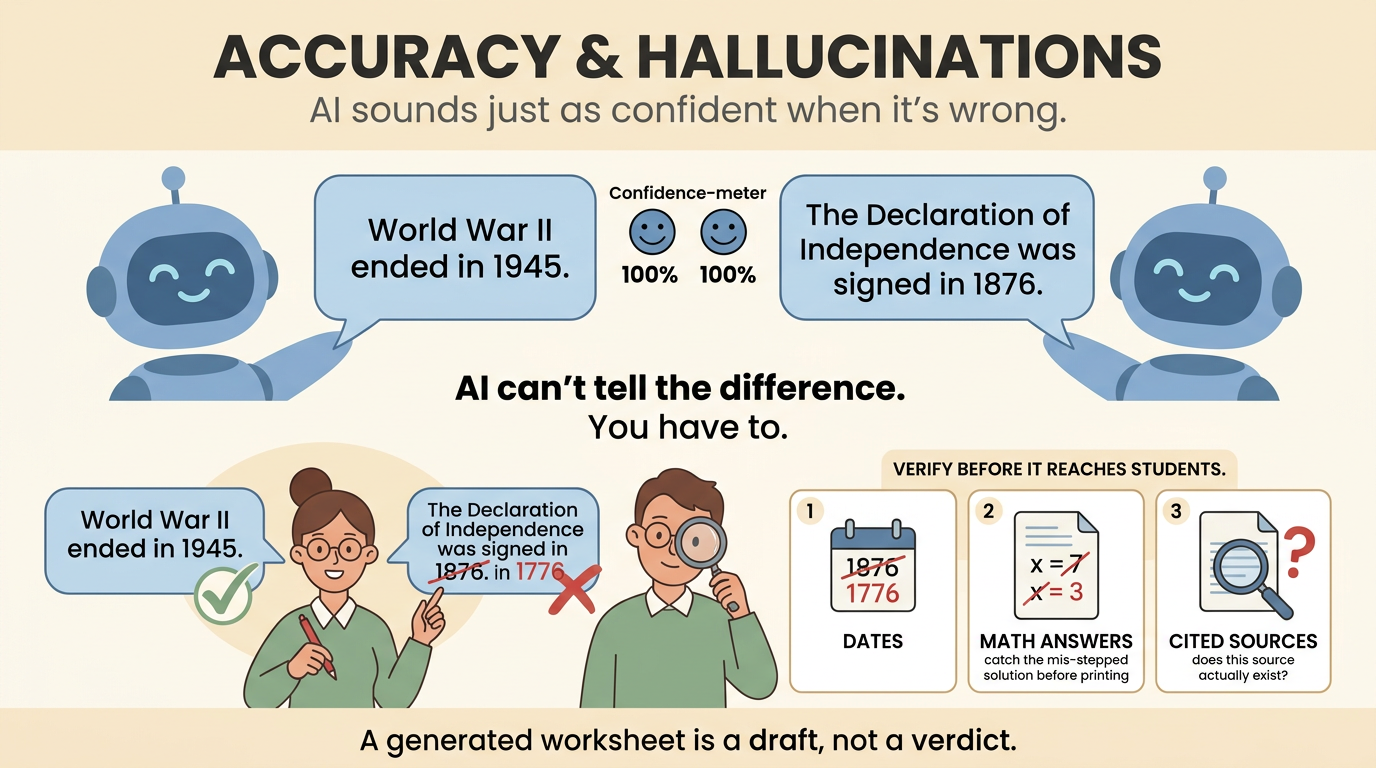
Here’s the uncomfortable part: AI will hand you a wrong date, a mislabeled standard, or a shallow explanation with the same confident tone it uses for a correct one. It doesn’t know the difference, so you have to.
- Always verify dates, definitions, math answers, and cited sources before they land in front of students.
- Treat AI output as a claim to check, not a source of truth. A generated worksheet is a draft, not a verdict.
- Your subject expertise is what catches the errors AI cannot. A ninth-grade algebra teacher who spots a mis-stepped solution before printing has just done the job no tool can do yet.
Keeping your voice and standards
A generic AI plan doesn’t know your class personality, what you covered last Tuesday, or the running joke that makes fractions click for this particular group. That local context is yours to add.
- Align every draft to your actual curriculum and objectives, not the tool’s best guess at them.
- Avoid pasting identifiable student information into general-purpose tools. If you’re weighing options, something built with teacher workflows and privacy in mind, like EMStudio, is worth a look for that reason alone.
- Left unchecked, over-reliance flattens lessons into generic worksheets that could belong to any classroom, not yours. Guard against that, and AI stays a starting point, not the final word.
What the Teacher’s Role Becomes
So if AI is handling the busywork, what’s left for you? More than you’d think, and arguably the parts of the job that matter most.
The shift is away from producing materials and toward curating them:
- reading what the tool generates
- deciding what fits your students
- editing until it actually sounds like your classroom
That’s a different skill than typing out a worksheet from scratch, and it’s one only you can do well.
That shift pushes you up the value chain. Instead of spending an evening formatting a quiz, you spend it diagnosing why a specific student keeps missing the same type of problem, or redesigning an activity so it lands better the second time around.
Think of a middle school teacher who used to lose a Sunday to slide decks. Now that hour goes to writing feedback that actually addresses a student’s misconception, which is the part no algorithm can do for her.
Getting comfortable with these tools is becoming a practical skill worth building on purpose, the same way you’d deliberately learn any new instructional strategy.
A teacher using something like EMStudio to draft a first pass at a lesson still has to shape it:
- trim what doesn’t fit
- sharpen the objective
- add the human touch that makes it land
The teachers who benefit most treat AI as leverage, not a stand-in for their judgment. The tool drafts. You decide.
AI won’t plan a great lesson for you, but it will hand you a rough draft, a worksheet, or a starting rubric in minutes instead of an hour.
What you do with that extra time, watching your students, adjusting on the fly, deciding what actually matters this week, is still entirely yours.
That’s the real shift: less time assembling materials, more time teaching the room in front of you.
Pingback: How AI is Changing the Way Teachers Plan Lessons - Millennium@EDU SUSTAINABLE EDUCATION